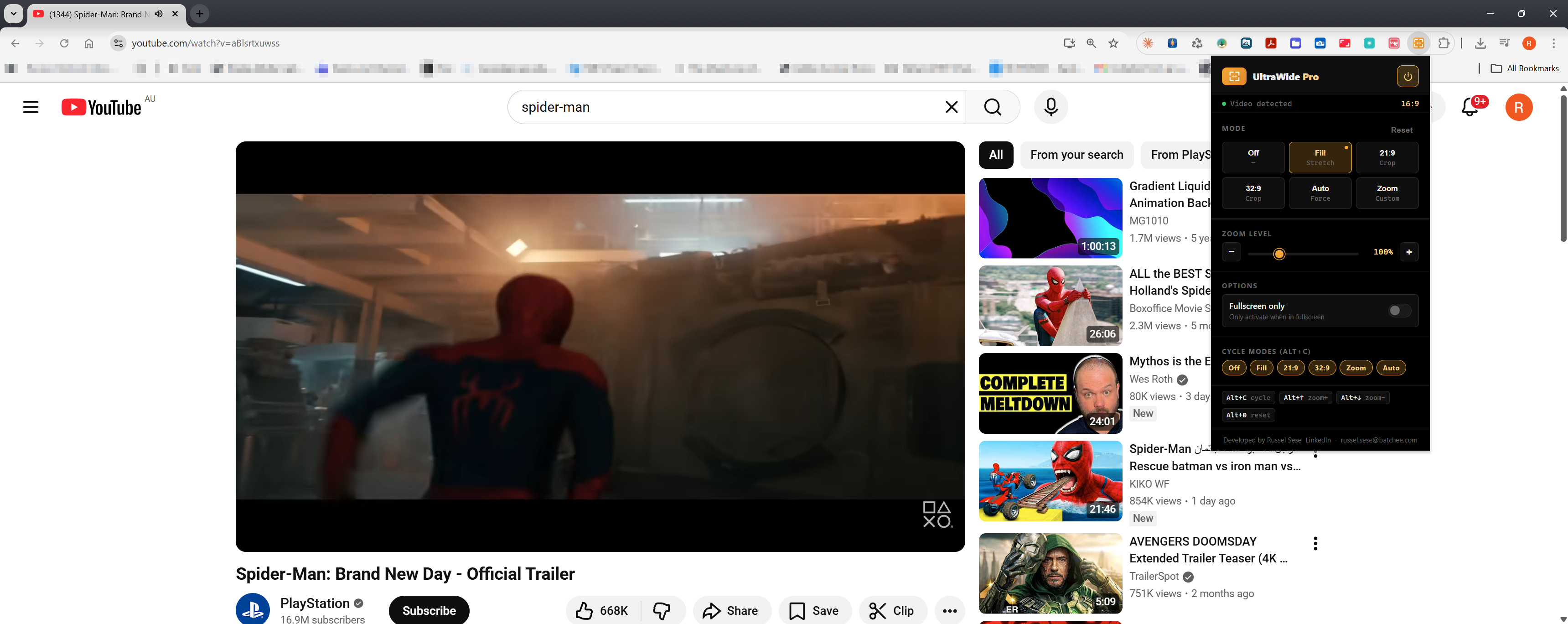
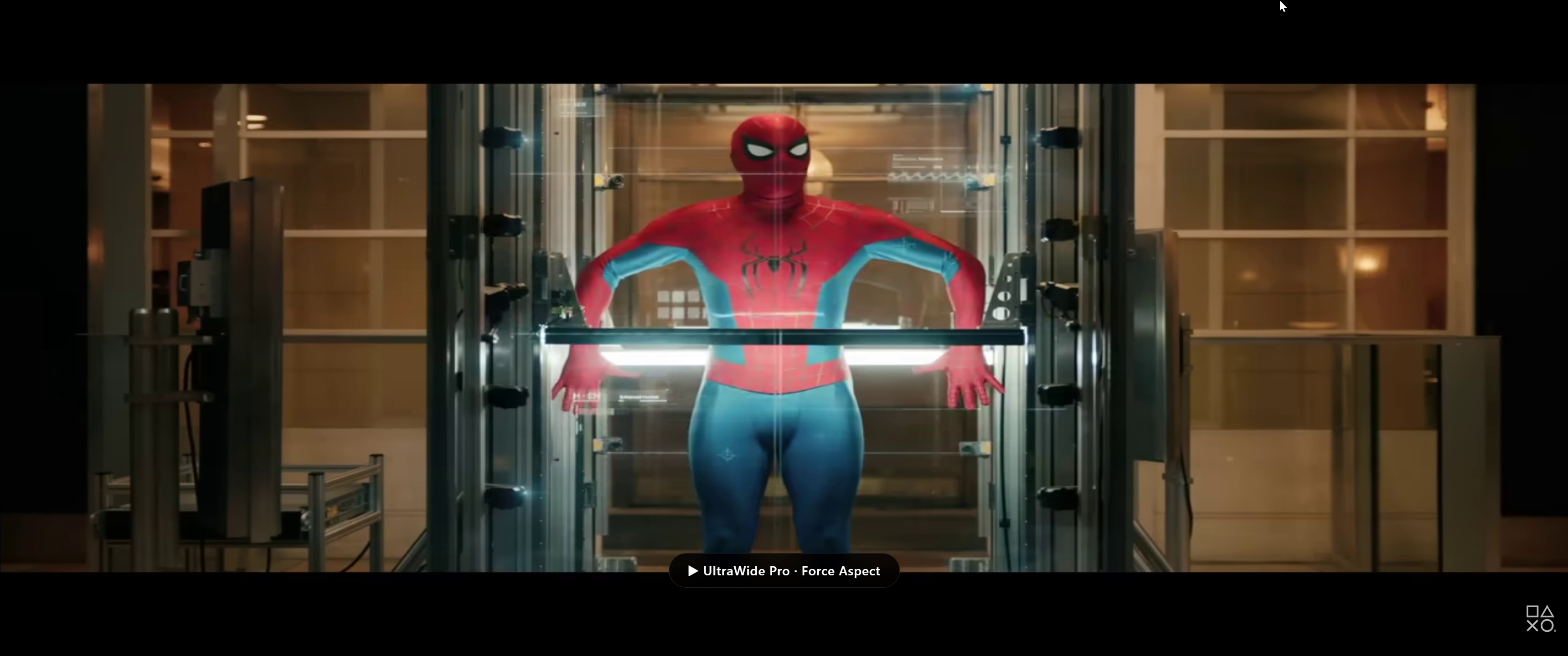
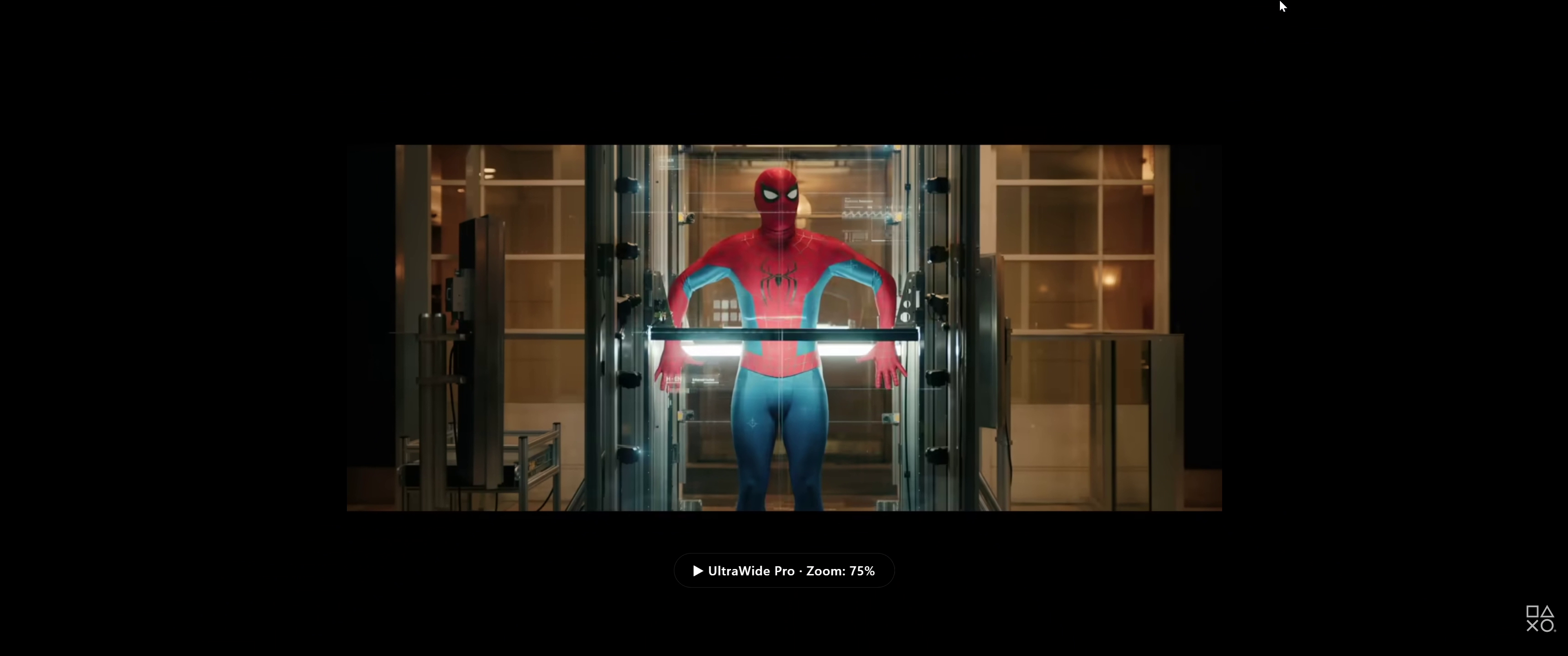
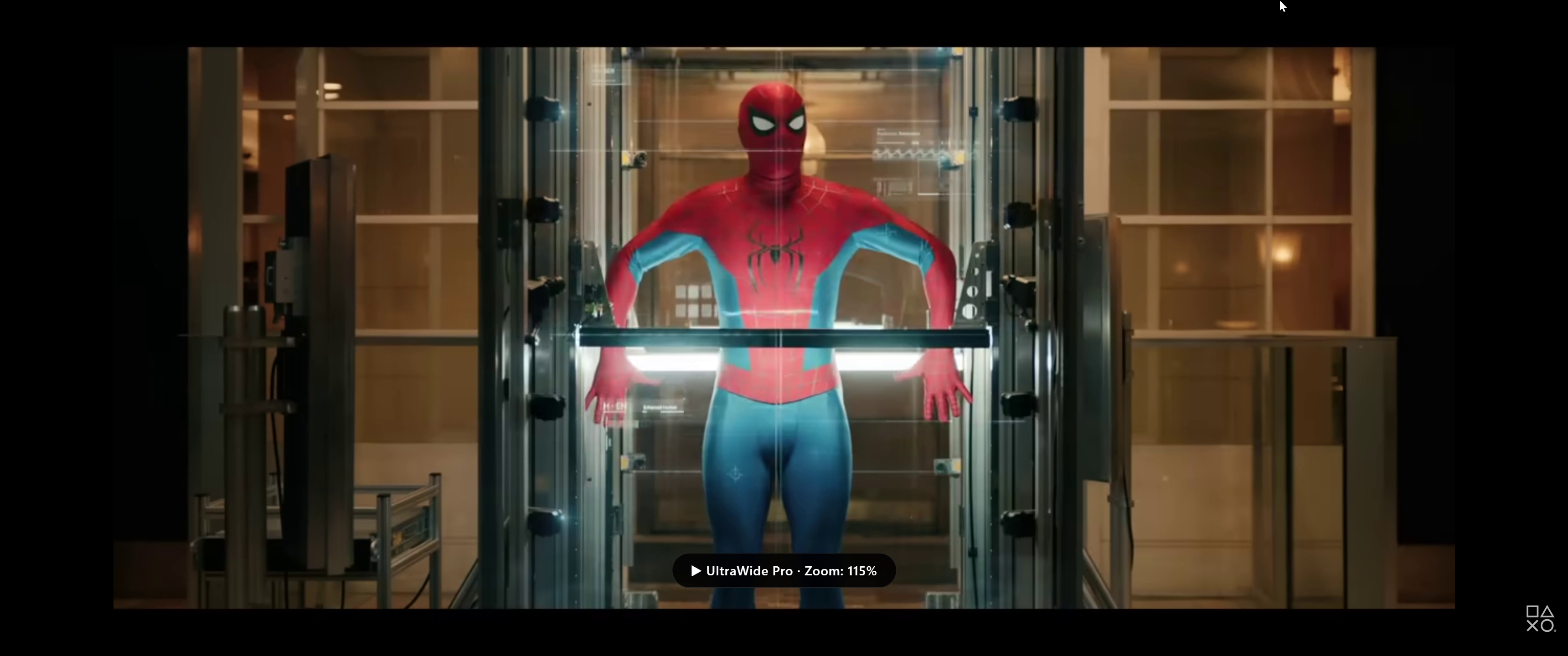
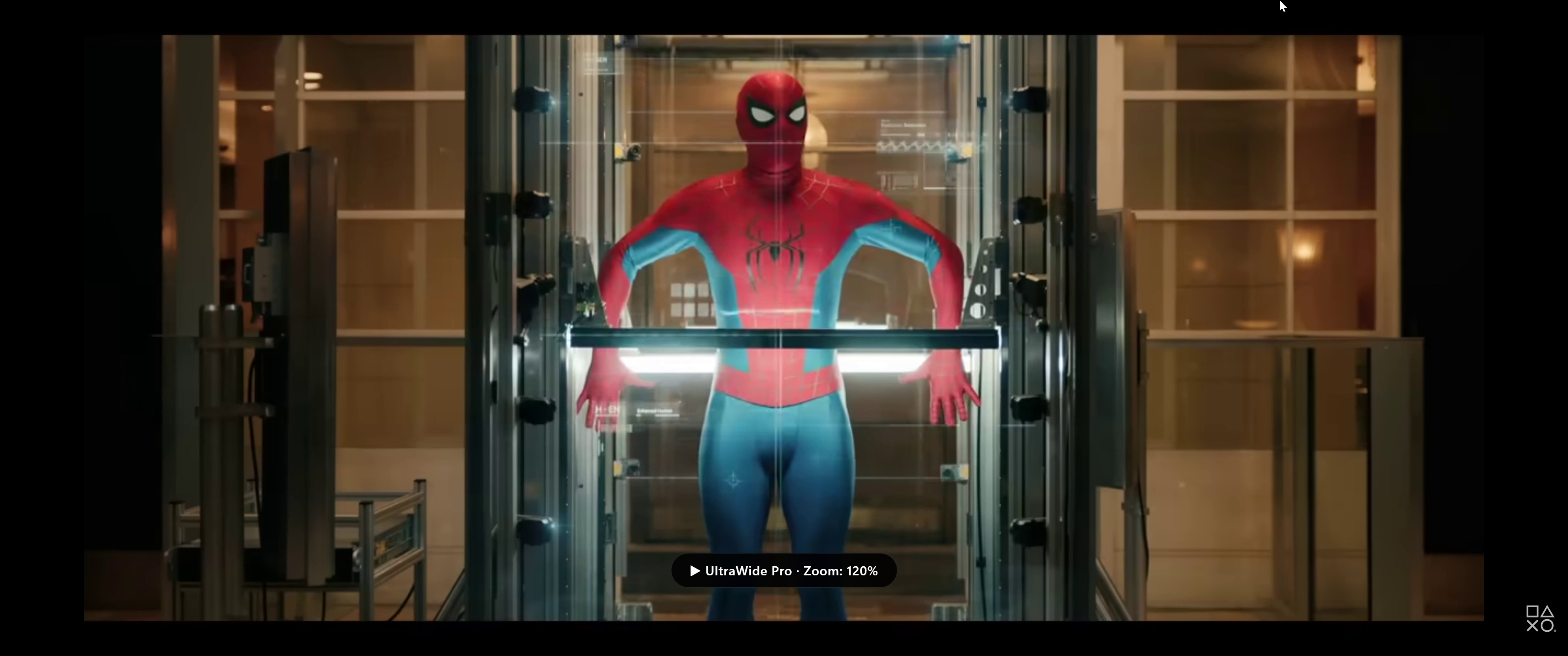
UltraWide Pro gives you precision aspect ratio control and zoom for every video on every site — built for ultrawide monitors.
Stop manually fiddling with each site. UltraWide Pro handles it all from one clean popup.
YouTube, Netflix, Twitch, Disney+, Prime Video and any site with an HTML5 video element.
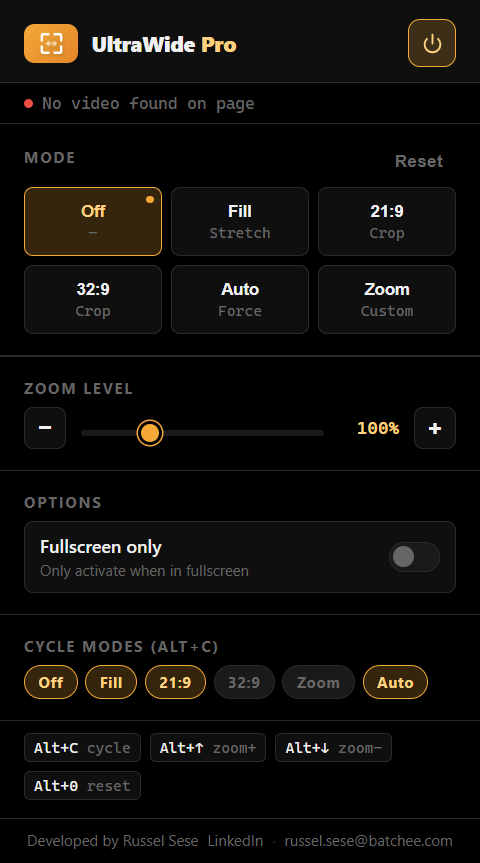
Crop to 21:9 or 32:9, stretch to fill, auto force-aspect, or dial in a custom zoom level.
Smooth 30–300% zoom slider with ± buttons and keyboard shortcuts for fine-grained control.
Alt+C to cycle modes, Alt+↑/↓ to adjust zoom, Alt+0 to reset — all without touching the popup.
Automatically finds the largest video on the page. Survives SPA navigation on modern streaming sites.
No analytics, no remote servers. Settings sync only via Chrome's built-in storage — fully private.
Switch modes in one click or cycle through with Alt+C. Each mode is tuned for a specific scenario.
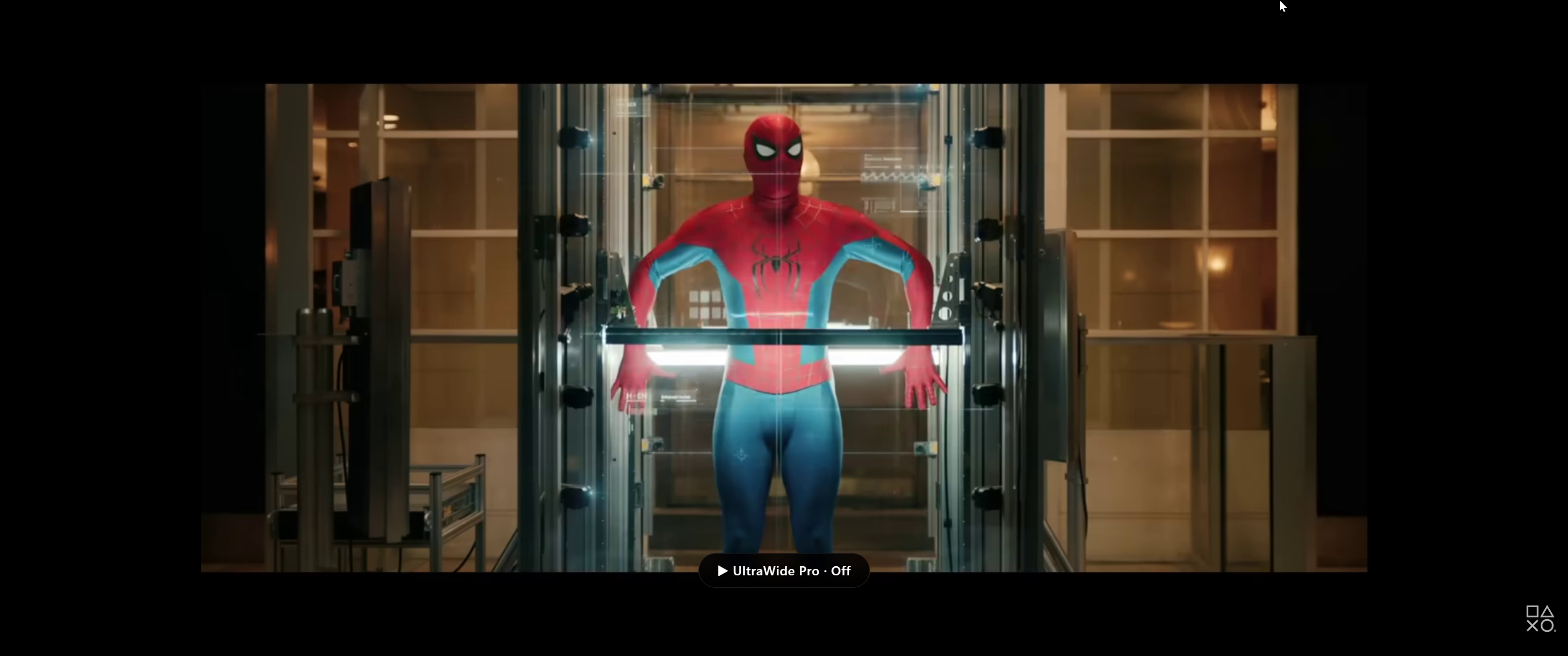
No transform applied. The video plays at its native size with black bars on ultrawide screens.
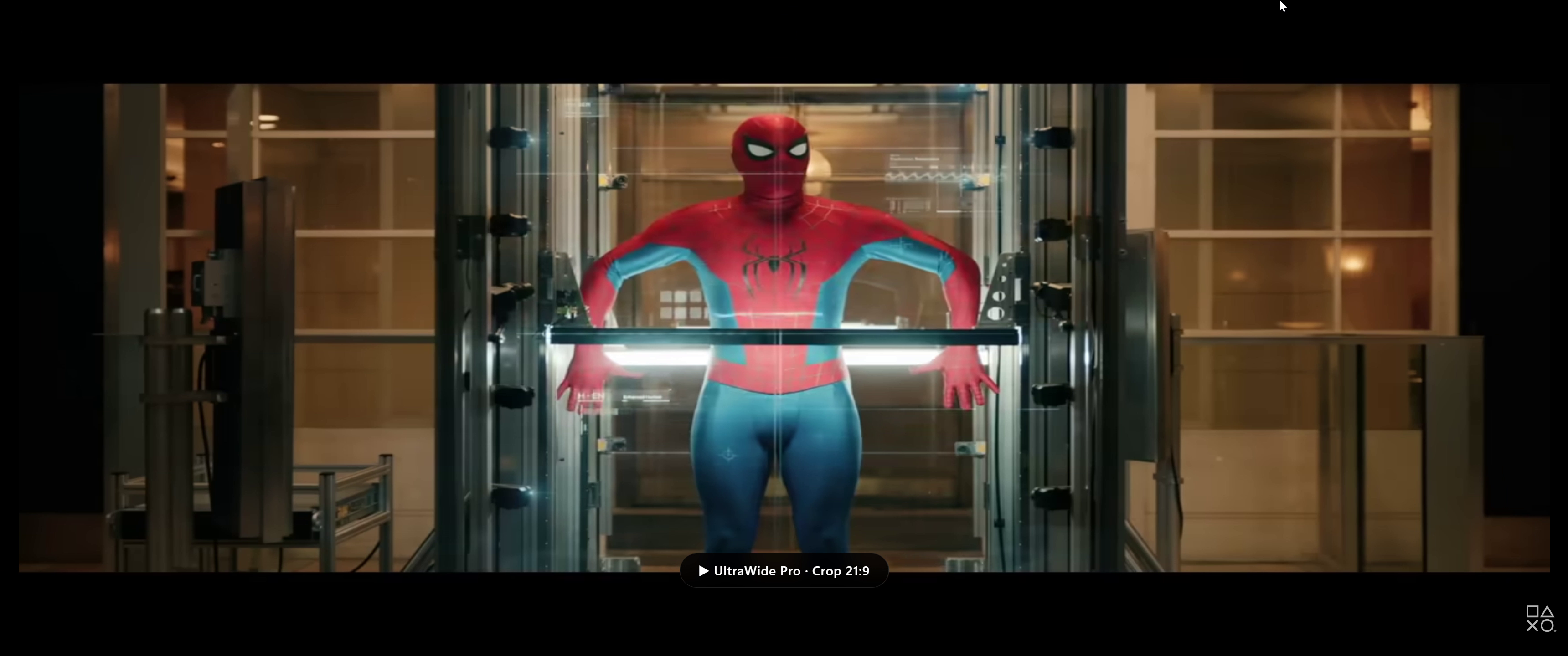
Crops the video to a 21:9 widescreen ratio — ideal for movies shot in cinematic scope.
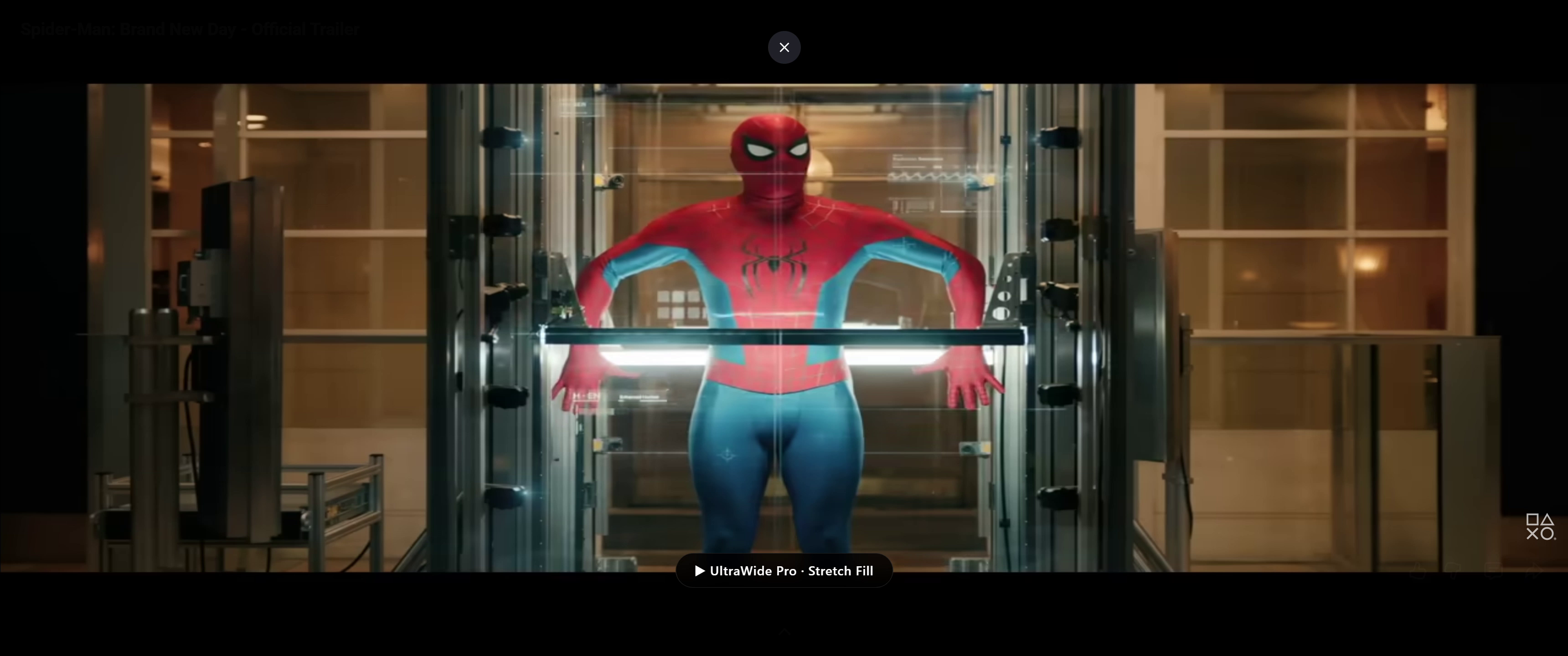
Horizontally stretches the video to cover your full ultrawide display with no black bars.
Reads the video's native ratio and scales it intelligently to fill your ultrawide monitor.
The zoom slider lets you go from 30% all the way to 300%. Use the ± buttons or keyboard shortcuts for precise adjustments. See how different zoom levels change the cropping.
No configuration needed. Install, pin, and click the icon to start watching without black bars.
Add UltraWide Pro from the Chrome Web Store. It's free and takes under 10 seconds.
Navigate to YouTube, Netflix, Twitch, or any site with an HTML5 video player.
Click the UltraWide Pro icon in your toolbar to open the control popup.
Select a mode or zoom level. The change happens live — no refresh needed.