Chrome Extension
Capture & Replay Network Requests on Any Page
Intercept every fetch & XHR call, inspect request headers and response bodies, then replay them in one click — all without leaving the page.
 Add to Chrome — It's Free
Intercept every fetch & XHR call, inspect request headers and response bodies, then replay them in one click — all without leaving the page.
Built for developers and QA engineers who need to understand exactly what their pages are doing.
Intercepts every fetch and XMLHttpRequest call the page makes, including headers, method, and request body.
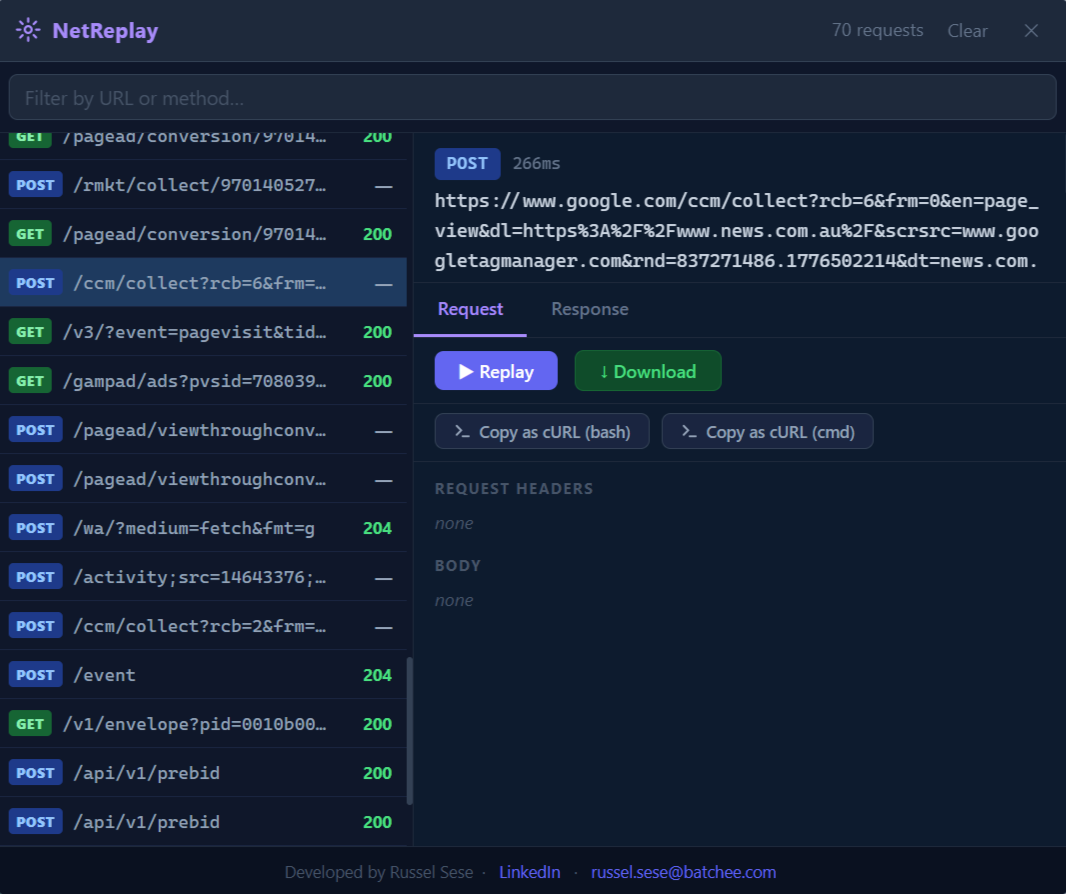
View full request and response headers, status codes, and response body in a clean, readable panel.
Replay any captured request instantly with the exact same headers and payload — no copy-pasting required.
Save response bodies directly to disk for offline analysis, diffing, or sharing with teammates.
Copy any captured request as a ready-to-paste curl command. Perfect for reproducing issues in the terminal.
Only requires activeTab and storage — no broad host permissions, no background data collection.
From capture to replay to curl — everything at your fingertips.
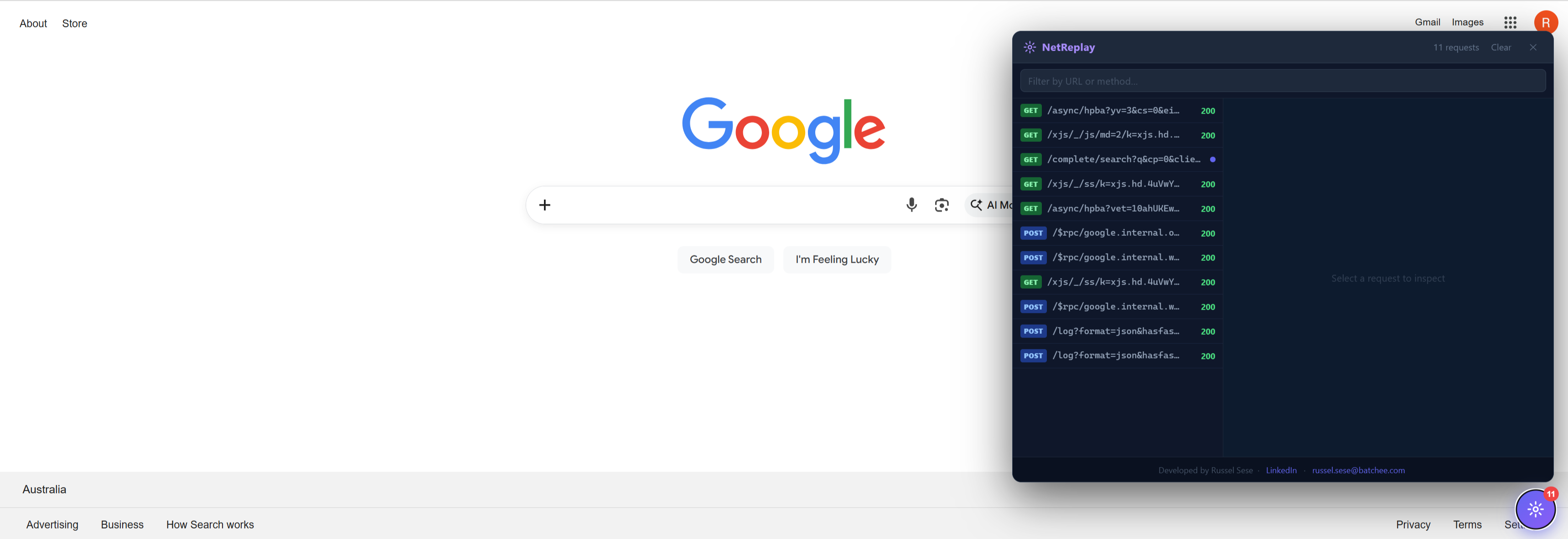 Panel embedded in any page
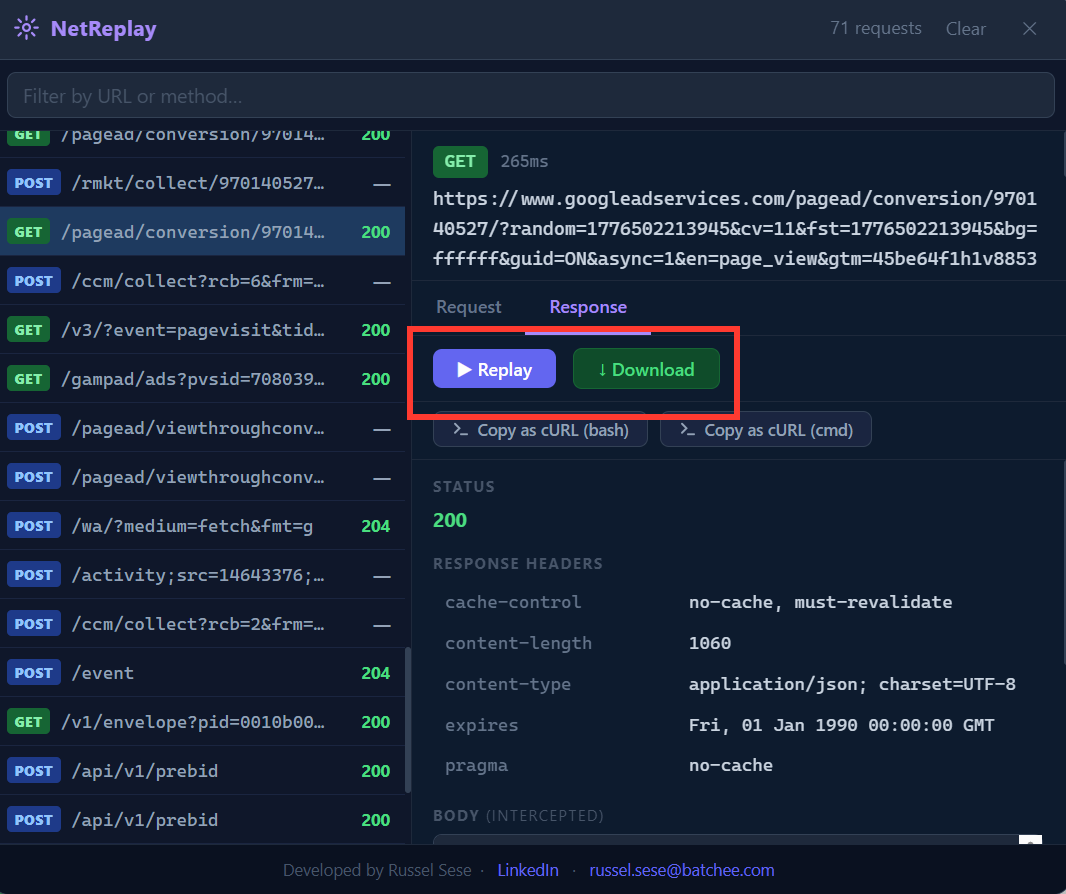 Replay requests & download responses
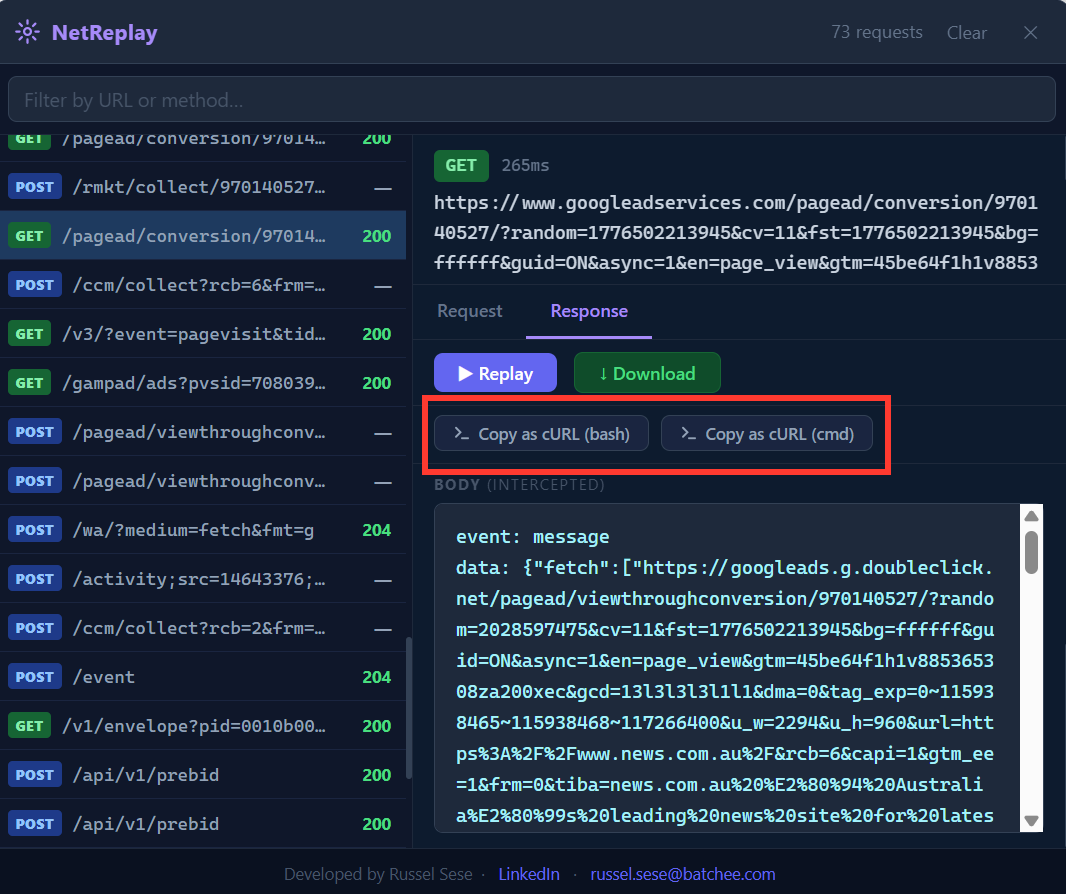 Copy as cURL command instantly
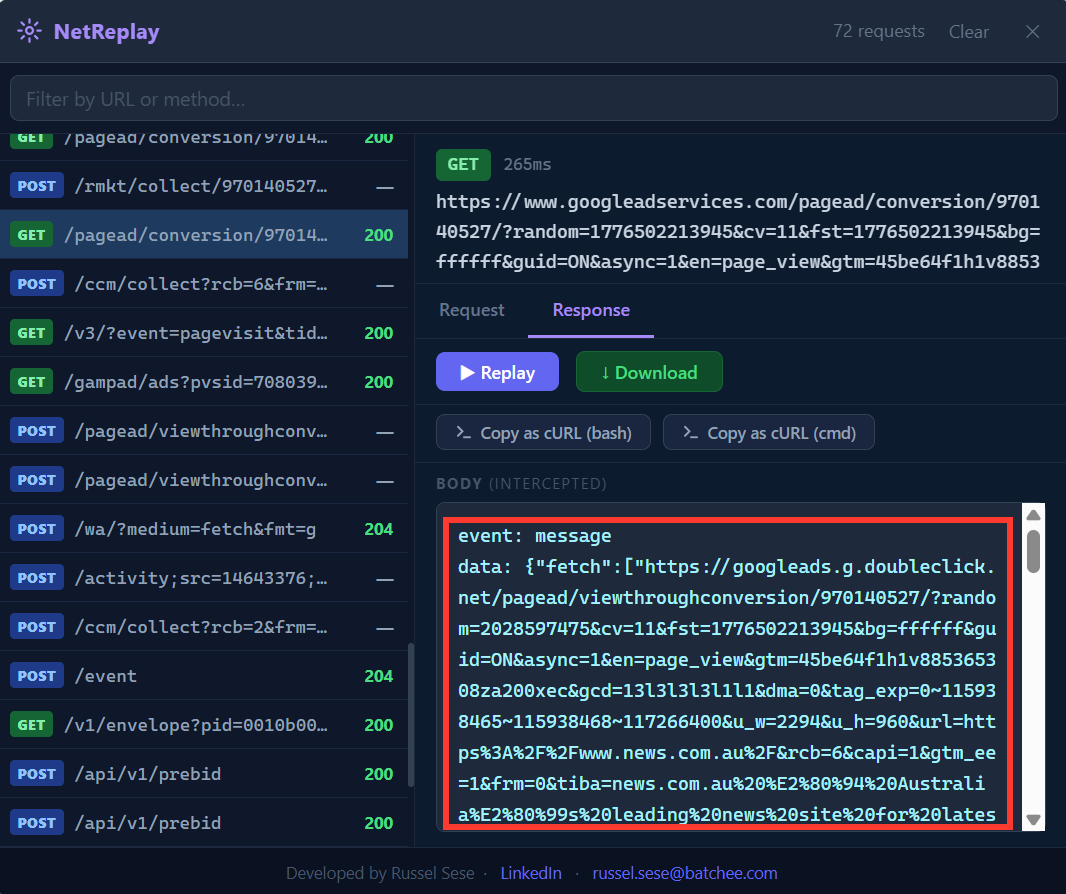 Formatted response body viewer
Navigate to any website you want to inspect — a web app, API consumer, or any page that makes network requests.
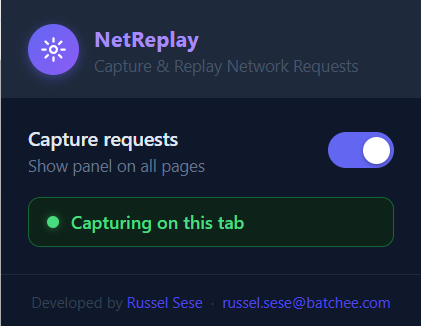
Click the NetReplay toolbar icon to open the extension panel alongside the page. No DevTools required.
Click Capture and interact with the page. NetReplay records every fetch & XHR request in real time.
Click any captured request to inspect headers and response. Hit Replay to resend it, or copy it as a curl command.