Deep Image Scan
Detects images from <img>, CSS background-image, srcset, <picture> sources, and <link rel="preload"> — nothing missed.
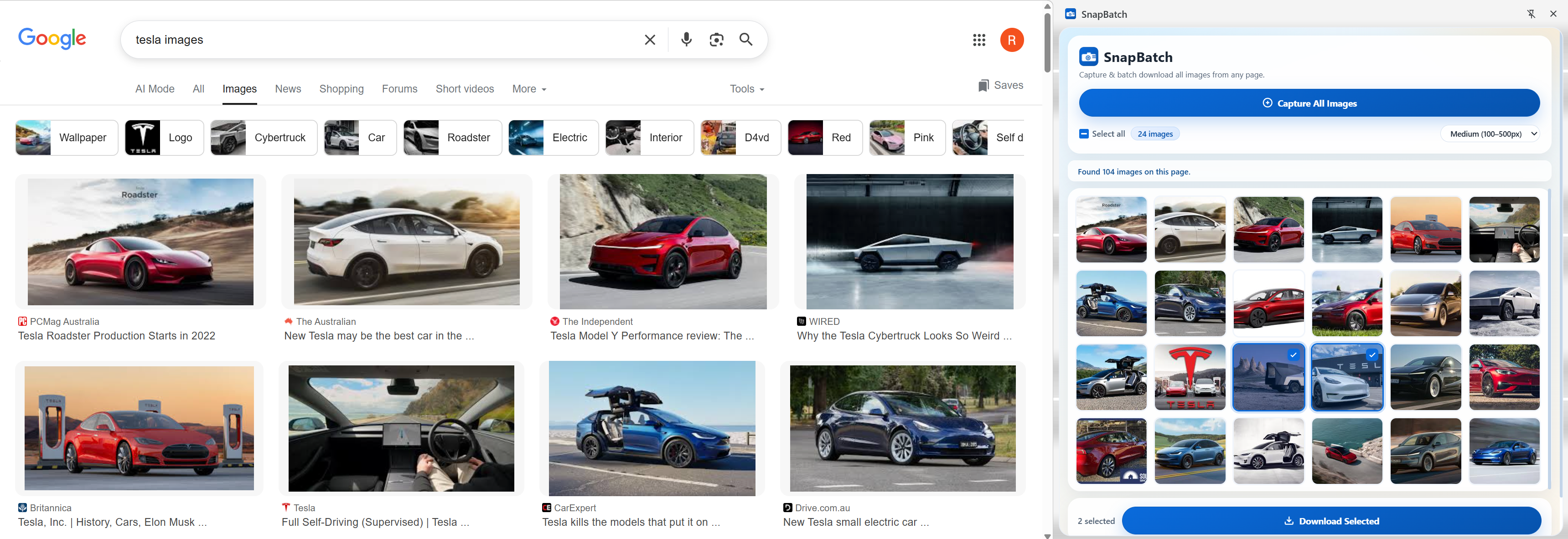
SnapBatch scans your entire page and shows every image in a thumbnail grid — then downloads them all in one click, straight from Chrome's side panel.
Features
SnapBatch looks everywhere a browser loads images — not just visible img tags.
Detects images from <img>, CSS background-image, srcset, <picture> sources, and <link rel="preload"> — nothing missed.
Browse lazy-loaded previews of every image. Hover any card to see the filename and pixel dimensions before downloading.
Click individual thumbnails to select, or use Select All. An indeterminate checkbox state tracks mixed selections clearly.
Filter the grid by Small (<100 px), Medium (100–500 px), or Large (>500 px) to focus on the images that matter.
Downloads all selected images with auto-formatted filenames: site-snapbatch-id-001.png. Real-time progress shown in the panel.
Only activeTab, downloads, and sidePanel — no host permissions, no tracking, no sign-in required.
See it in action
The side panel keeps SnapBatch accessible without covering the page you're browsing.
Hit Capture All Images and SnapBatch instantly populates a thumbnail grid of everything it finds — no page reload, no tabs opened.
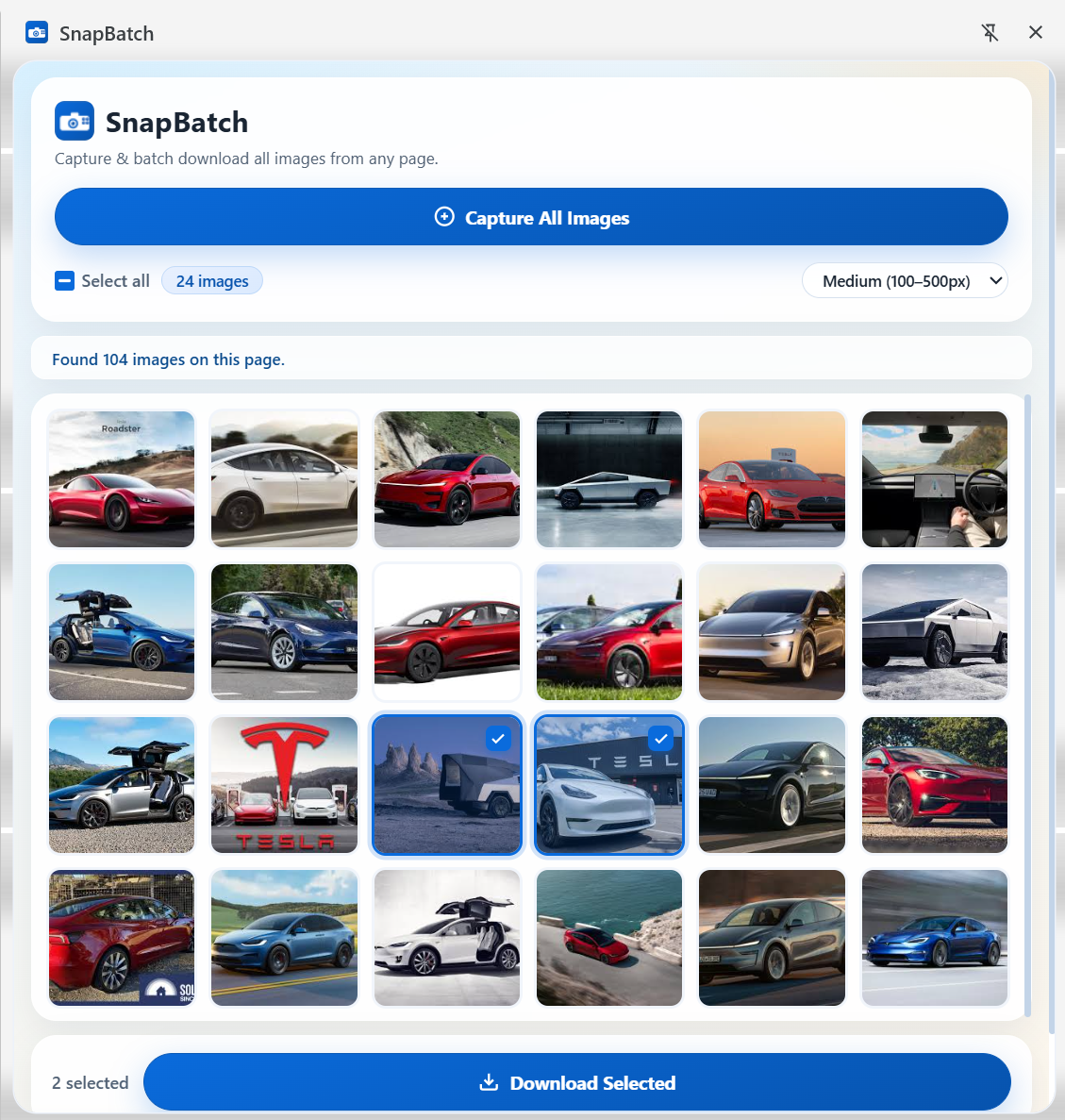
Filter by image size, tick individual cards, or hit Select All. The footer count and Download button update live as your selection changes.
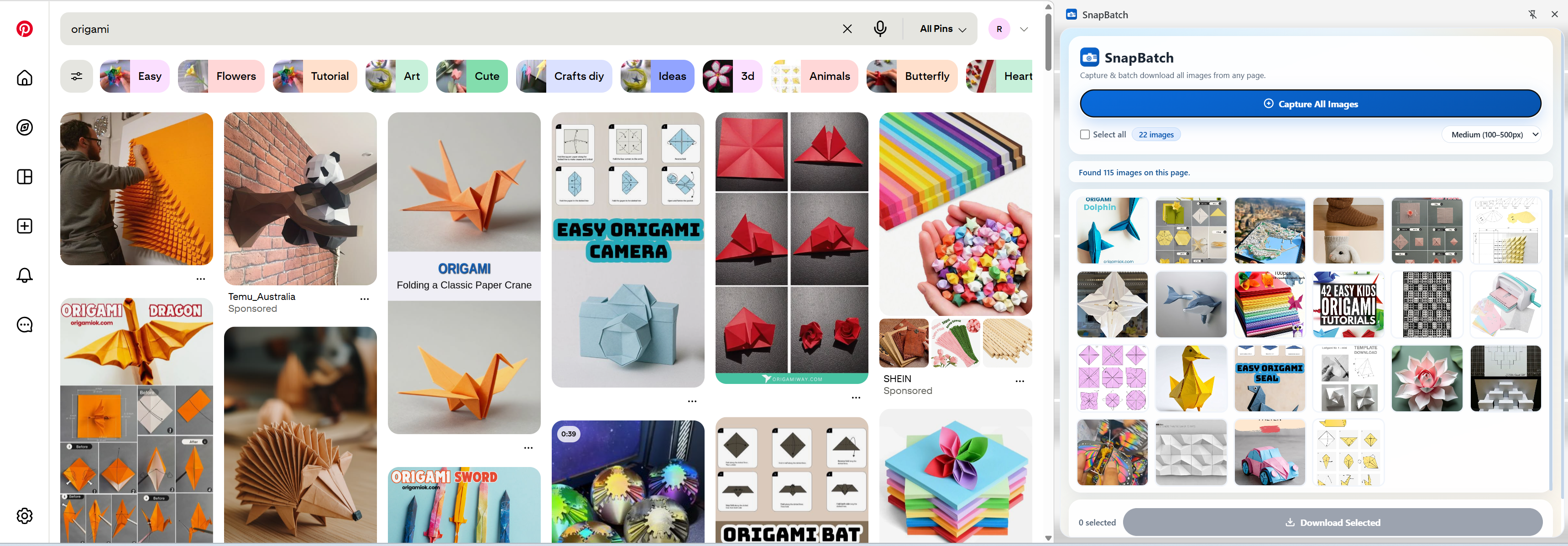
Each file is named automatically so you always know where it came from and what order it was captured in.
site-snapbatch-<id>-001.png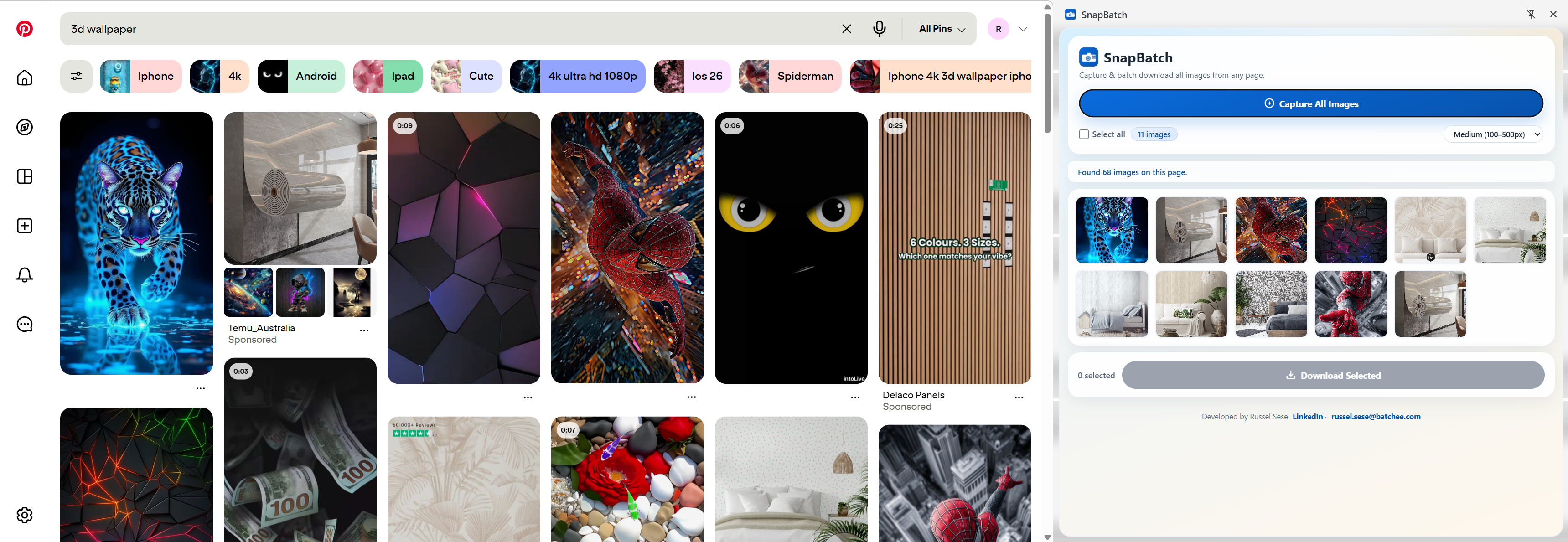
How it works
Navigate to any site in Chrome — product pages, galleries, news articles, anything.
The side panel slides open on the right without covering the page.
Click Capture All Images to scan the page and load the thumbnail grid.
Pick images, apply filters if needed, then click Download Selected.
Privacy
SnapBatch runs entirely in your browser. Nothing leaves your machine.
SnapBatch is free and contains no advertising of any kind.
No analytics, no telemetry, no usage data sent anywhere.
Image URLs stay in your browser's memory and go nowhere else.
Install and use immediately. No account, no email, no setup.